
Version Control for AI Image Prompts: Treat Product-Photo Prompts Like Code
Git templates with slots, a SKU CSV, a hashed JSONL run manifest, and a regression set, so a prompt change is judged on the same products
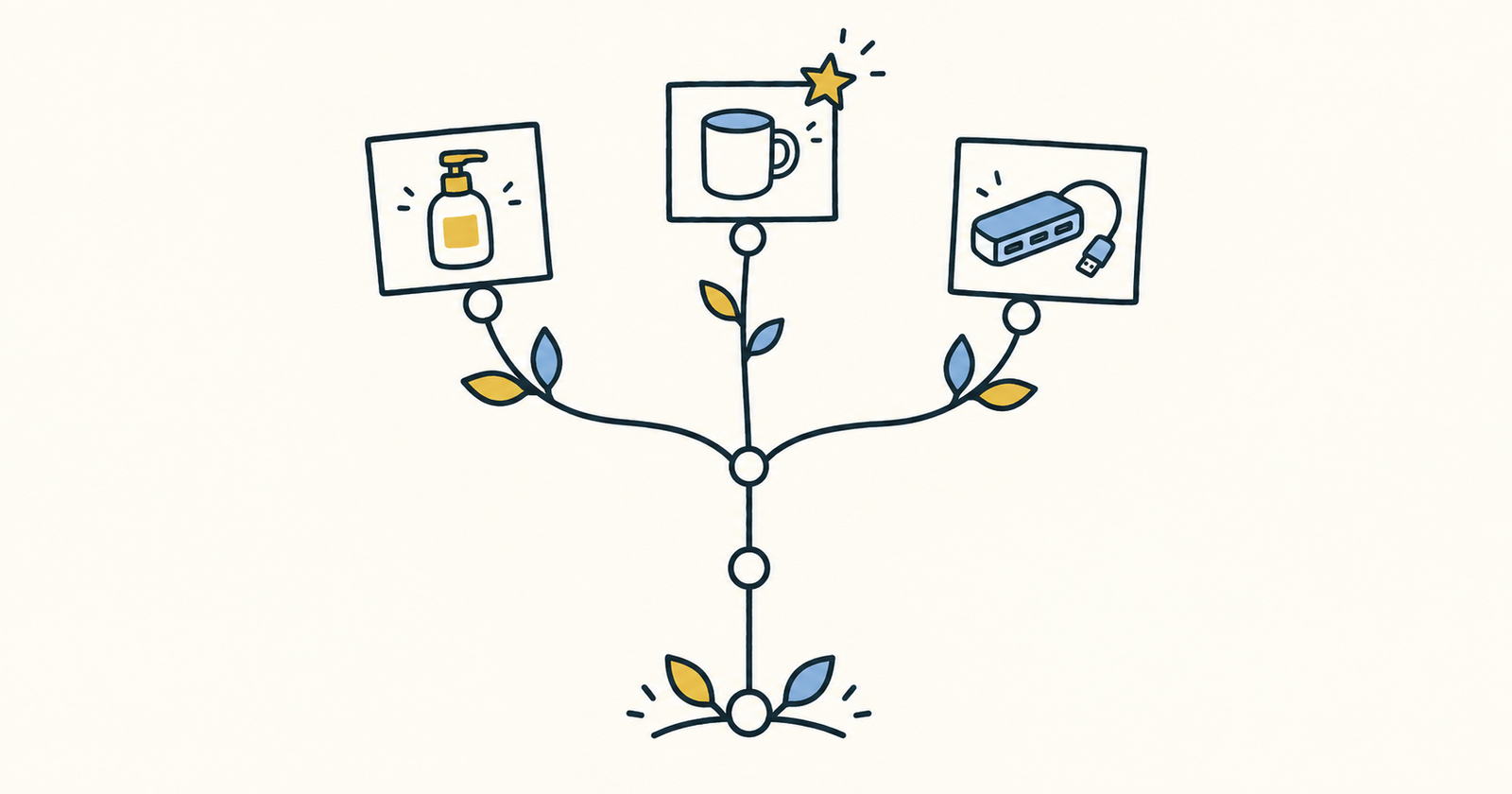
Version control for AI image prompts means storing each prompt as a template file in git, filling it from a data file, and logging every run, with the exact prompt text, a hash and a review verdict, in a manifest you also commit. When you change the template, you re-run the same products and compare the verdicts before the new version replaces the old one. That turns "I think the new wording is better" into a diff you can review.
I batch-produce product shots for small catalogues. The setup below is what I use when there are more than a handful of SKUs and more than one person editing prompts. It is plain files, about 40 lines of standard-library Python, and a browser.
TL;DR
- Keep prompts as template files with
[SLOT]placeholders in git (prompts/packshot-white.v3.txt). Keep per-product values in a CSV. - A small script renders one prompt per SKU and writes a JSONL manifest with SKU, template version, a short SHA-256 of the exact text, and
status: todo. It refuses to run if a slot is empty. - Run each prompt by hand in the image tool, review every result against a fixed rubric at full size, and record
keep/rejectplus a one-line reason. - Record a conversational fix as a new row, never by overwriting the old one.
- Change one thing per template version, re-run the same SKUs (your regression set), compare the tallies, then tag the winner.
Disclosure: I maintain the prompt kit linked below and have a working relationship with the Banana Pro AI team. The workflow itself doesn't depend on any particular tool.
Terms used here
- Prompt template: the fixed wording shared by every product, saved as a text file. The version is part of the file name, so old manifest rows always point to a file that still exists.
- Slot (variable): an uppercase placeholder such as
[PRODUCT]or[MATERIAL]that's filled from the CSV. - Run manifest: a JSONL file, one JSON object per generated prompt, committed next to the template.
- Prompt hash: the first 12 hex characters of the SHA-256 of the final one-line prompt. If two rows share a hash, they used exactly the same text.
- Regression set: a fixed list of SKUs and source photos that every new template version must be re-run on.
- Review rubric: written pass conditions applied the same way to every image and every version.
- Conversational edit: a follow-up instruction in plain language ("make the shadow softer") applied to a result, rather than a new prompt.
- Source image: the real photo of the product that the edit starts from.
- Scene starter: a preset scene in the image tool (for example "White studio") that you can use instead of, or as a base for, a written scene.
Why prompts drift when nobody versions them
Prompt text drifts in small, invisible ways. Someone tweaks the wording in the browser, pastes it into a team chat, trims it on the next paste, and two weeks later "our white-background prompt" means four different strings. When a batch looks worse, nobody can tell whether the wording changed, the source photo changed, or the crop setting changed. The image folder has no record of what produced each file.
Versioning doesn't make a generative model deterministic. It just makes the inputs and your judgement traceable. That's the property I need when a client asks why the mug looked different last month.
Repo layout
catalogue-job/
├── prompts/
│   ├── packshot-white.v3.txt
│   └── packshot-white.v4.txt
├── skus.csv
├── render_prompts.py
├── summarize.py
├── runs/
│   ├── packshot-white.v3.jsonl
│   └── packshot-white.v4.jsonl
├── RUBRIC.md
└── CHANGELOG.md
My starting templates come from a small MIT-licensed kit I keep on GitHub, banana-prompt-kit. Its e-commerce prompts already use [BRACKETS] for the parts you swap, and it suggests version names like packshot-serum-v3. The constraint blocks in negatives.md, such as the "Marketplace / pure-white block", are useful when you write the "no props, no added text" part of a template.
Step-by-step
All code below runs on Python 3.13 with the standard library only. The outputs are copied from my terminal.
Step 1: Write the template with slots
The kit's packshot prompt is written for text-to-image. Because I start from a real product photo, I rewrote it as a scene brief that names what must not change:
Place the [PRODUCT] from the source photo on a pure white seamless background (#FFFFFF).
Soft dual softbox lighting, subtle contact shadow directly under the base.
Keep unchanged: shape, label text, [MATERIAL] finish, color.
No props, no hands, no added text or logos. 1:1 crop with safe margin.
The "Keep unchanged" line matters more than any style adjective. It's also the line your review rubric will check.
Step 2: Put the variables in a CSV
sku,PRODUCT,MATERIAL
SER-30,frosted glass serum bottle 30ml with white pump,frosted glass
HUB-07,compact USB-C hub in space-gray aluminum,brushed aluminum
MUG-12,matte ceramic coffee mug in sage green,matte glazed ceramic
Column names match slot names exactly. Product facts such as size and material live here, not in someone's clipboard, so "30ml" can't quietly turn into "1 oz" in one paste.
Step 3: Render the prompts and write the manifest
"""Fill a [BRACKET] prompt template from a CSV and write a run manifest.

Usage: python render_prompts.py prompts/packshot-white.v3.txt skus.csv > runs/manifest.jsonl
"""
import csv, hashlib, json, re, sys
from pathlib import Path

template_path, csv_path = Path(sys.argv[1]), Path(sys.argv[2])
template = template_path.read_text().strip()
slots = sorted(set(re.findall(r"\[([A-Z_]+)\]", template)))

for row in csv.DictReader(csv_path.open()):
    missing = [s for s in slots if not row.get(s)]
    if missing:
        sys.exit(f"{row.get('sku')}: missing values for {missing}")
    prompt = template
    for s in slots:
        prompt = prompt.replace(f"[{s}]", row[s])
    prompt = " ".join(prompt.split())            # one line, stable whitespace
    print(json.dumps({
        "sku": row["sku"],
        "template": template_path.name,          # e.g. packshot-white.v3.txt
        "prompt_sha": hashlib.sha256(prompt.encode()).hexdigest()[:12],
        "prompt": prompt,
        "status": "todo",                        # todo -> keep / reject after review
    }))
Running it on the CSV above prints three lines. Here is the first:
{"sku": "SER-30", "template": "packshot-white.v3.txt", "prompt_sha": "855c6f85a3ab", "prompt": "Place the frosted glass serum bottle 30ml with white pump from the source photo on a pure white seamless background (#FFFFFF). Soft dual softbox lighting, subtle contact shadow directly under the base. Keep unchanged: shape, label text, frosted glass finish, color. No props, no hands, no added text or logos. 1:1 crop with safe margin.", "status": "todo"}
The hub and mug rows hash to b89b18af2050 and 7c617cb1720d. Collapsing whitespace before hashing means a stray line break in the template doesn't produce a "new" prompt.
The empty-slot guard is the cheapest bug catcher in the whole setup. With a row like BAD-1,steel water bottle, the script prints BAD-1: missing values for ['MATERIAL'] and exits 1. Without it, the literal text [MATERIAL] would go to the model. One caveat: rows before the bad one have already been printed, so redirect to a temporary file and move it into runs/ only when the exit code is 0. Python's csv module docs explain how DictReader maps headers to keys if you need quoting rules for commas inside product names.
Step 4: Generate, one manifest row at a time
For catalogue shots I use the AI Product Photography page in Banana Pro AI. You upload one product image (JPG, PNG or WebP), pick a scene starter such as "White studio" or describe a custom scene, then set the crop and choose 1K, 2K or 4K. Past tasks stay under "My Creations". I paste the manifest's prompt field as the scene description, copied from the manifest rather than retyped, so the hash still describes what was actually sent.
Fix the crop and resolution for the whole batch, and write them down. Comparing a 2K result with a 4K one is comparing settings, not prompts. Save each download under a predictable name such as SER-30.v3.a1.png.
Step 5: Review against a fixed rubric
RUBRIC.md is short on purpose. I review at full size, next to the source photo. The product page itself recommends comparing results with the source at full size and correcting drift in packaging, geometry, color, reflections or contact shadows, and the rubric turns that advice into a checklist.
| Check | Pass condition |
|---|---|
| Label text | Same words and spelling as the source, nothing invented |
| Silhouette | Outline matches the source: pump, ports, handle; no extra parts |
| Color | Material and color match the source and the brand swatch |
| Contact shadow | Soft, under the base, not a floating drop shadow |
| Crop | 1:1, product fully inside, visible margin |
| Additions | No props, hands, badges, watermarks or new logos |
Any failed check means reject. Partial credit makes tallies meaningless.
Step 6: Record the verdict in the manifest
Edit the row in place: set status to keep or reject, add a note naming the failed rubric line (for example "note": "label text changed"), and add file and file_sha for the download (sha256sum SER-30.v3.a1.png | cut -c1-12). Then commit. The prompt hash tells you what text went in, and the file hash tells you which pixels you approved.
A second script counts outcomes per template version:
"""Count review outcomes per template version: python summarize.py runs/*.jsonl"""
import collections, json, sys

tally = collections.defaultdict(collections.Counter)
for path in sys.argv[1:]:
    for line in open(path):
        rec = json.loads(line)
        tally[rec["template"]][rec["status"]] += 1

for template, c in sorted(tally.items()):
    reviewed = c["keep"] + c["reject"]
    rate = f"{c['keep'] / reviewed:.0%}" if reviewed else "n/a"
    print(f"{template}: keep {c['keep']}, reject {c['reject']}, todo {c['todo']}, keep rate {rate}")
To check the script, I marked one row keep and one reject by hand in a copy of the manifest:
packshot-white.v3.txt: keep 1, reject 1, todo 1, keep rate 50%
That line is a toy demo showing the output format. It isn't a measured result from real images. todo rows are left out of the rate, so finish reviewing before you compare versions.
Step 7: Log conversational fixes as new attempts
When a result is close, a single conversational correction ("soften the contact shadow, keep the label unchanged") is often quicker than a new template. I make those edits in the Banana Pro AI image editor on the downloaded file. Each correction is a new manifest row with attempt: 2, a parent_sha pointing at the original row's prompt hash, the correction text, and its own status. I set its template field to packshot-white.v3.txt+edit so the tally reports first-pass and edited results separately. Overwriting the original row would erase the evidence of what failed.
Step 8: Bump the version, then re-run the regression set
If the same correction keeps coming up, it belongs in the template. Copy v3 to v4, change one clause, and commit it with a CHANGELOG.md entry. Here is an example diff in unified format:
--- a/prompts/packshot-white.v3.txt
+++ b/prompts/packshot-white.v4.txt
@@ -1,4 +1,4 @@
 Place the [PRODUCT] from the source photo on a pure white seamless background (#FFFFFF).
-Soft dual softbox lighting, subtle contact shadow directly under the base.
+Soft dual softbox lighting, a short soft contact shadow under the base, ending at the footprint.
 Keep unchanged: shape, label text, [MATERIAL] finish, color.
 No props, no hands, no added text or logos. 1:1 crop with safe margin.
## packshot-white.v4
- Changed: shadow clause only.
- Regression set: SER-30, HUB-07, MUG-12; same source photos, 1:1, same resolution as v3.
Render v4 with the same CSV, generate with the same sources and settings, review against the same rubric, then run python summarize.py runs/packshot-white.v3.jsonl runs/packshot-white.v4.jsonl. You get one line per version, computed over the same products.
Step 9: Tag the winner
When you accept a version, tag the commit (git tag packshot-white-v4) and point the production batch at that file. Keep the old template in the repo. Old manifests still reference it.
Troubleshooting
| Symptom | Likely cause | Fix |
|---|---|---|
Script exits with missing values for [...] |
Empty CSV cell | Fill the cell; write to a temp file and move it into runs/ only on success |
Literal [MATERIAL] appears in a prompt |
Slot is lowercase or misspelled, so the regex skipped it | Use uppercase slot names that exactly match the CSV headers |
| Prompt in the browser no longer matches the hash | Someone edited it in the tool, not in git | Copy from the manifest only; make wording changes in the template |
| Can't tell why v4 is better | Two clauses changed in one version | One change per version, named in the changelog |
| Label text rewritten or misspelled | The model redrew the packaging | Keep "keep label text" in the template; check at full size; reject |
| Color drifts from the swatch | Lighting or material wording | Change only that clause in the next version; compare with the same source |
| Passed at thumbnail size, failed on the product page | Reviewed at the wrong size | Review at full size next to the source |
| Versions compared on different products | Regression set changed | Freeze the SKU list; change it only with a changelog entry |
| One version "looks sharper" | Different output resolution | Lock and record the resolution for every row |
| A reviewed row is missing from the tally | Status typo (kept, Reject) |
Use exactly todo, keep, reject |
What this doesn't solve
This setup doesn't make generation reproducible. The same prompt, source and settings can produce a different image on the next run. The manifest records intent and judgement: what you asked for and whether you accepted the result. The approved asset is the stored file with its file_sha, not "whatever this prompt gives you next time". A three-SKU regression set also can't prove a template is better. It only catches obvious regressions on the products you care about. A larger catalogue needs a larger, deliberately varied set (glass, metal, matte, printed packaging).
FAQ
Should prompts live in the same repo as product data?
Keep the templates, the CSV snapshot used for each run, the manifests, the rubric and the changelog together, so an old manifest stays readable. Prices, stock and marketing claims can stay in their own system. If product names are confidential, make the repo private.
Do I need a seed for this to work?
No. I don't rely on seeds. I record the source image, the exact prompt, the crop and the resolution, then hash the download. The file hash is what makes an approval traceable.
How many SKUs belong in a regression set?
Enough to cover the materials and packaging types that tend to fail, such as transparent glass, reflective metal, matte surfaces and printed labels. Name the list in the changelog and keep it fixed while you compare two versions.
Can I do this without writing code?
Yes. A spreadsheet with the template in one cell, a formula that fills the slots, and columns for status, note and file name covers most of it. The scripts mainly add the empty-slot guard and the hash, which a spreadsheet won't give you by default.
Does the prompt hash identify the image?
No. It identifies the text. The three SKUs share a template but have different hashes because their filled-in prompts differ. Use file_sha to identify an image.
Sources and tools
- banana-prompt-kit (MIT): playbook, channel prompt packs, checklist
- prompts/ecommerce.md and prompts/negatives.md
- Banana Pro AI: AI Product Photography and AI image editor pages (linked in steps 4 and 7)
- Python
csvmodule, git diff render_prompts.pyandsummarize.py: written and run for this post (Python 3.13, standard library)